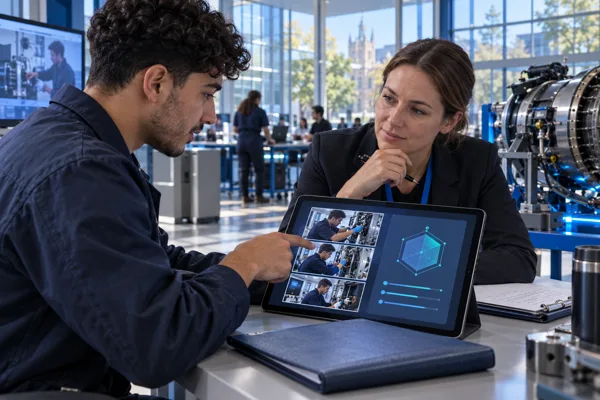
Listen to employers
and communities.
Identify meaningful tasks, emerging responsibilities and public needs. Use those insights to shape the capabilities learners develop.

EON REALITY · EDUCATION FOR THE AI ERA
Connect the needs of employers and communities with learning people can see, explore, practise and demonstrate.
A campus where knowledge becomes capability.
THE PURPOSE
Education builds understanding, curiosity and citizenship. EON’s approach connects those foundations with the skills, judgement and practical experience that people need for a changing world.
Identify meaningful tasks, emerging responsibilities and public needs. Use those insights to shape the capabilities learners develop.
Let people examine an object, enter a setting, rehearse a conversation and practise a decision, with educators guiding the learning.
Review performance against a defined standard, inspect the evidence and use approved lessons to improve the next experience.
FOR EDUCATION
Connect abstract ideas with memorable experiences. Give learners a place to practise and a way to discuss how they performed.
 Explore EON XR Infinite ↗
GLOBAL VIRTUAL CAMPUS
A heart becomes a spatial lesson. A historical place becomes an investigation. A practical procedure becomes something a learner can rehearse.
FOR GOVERNMENT
Preserve institutional experience, rehearse decisions and help people prepare for clearly defined responsibilities.
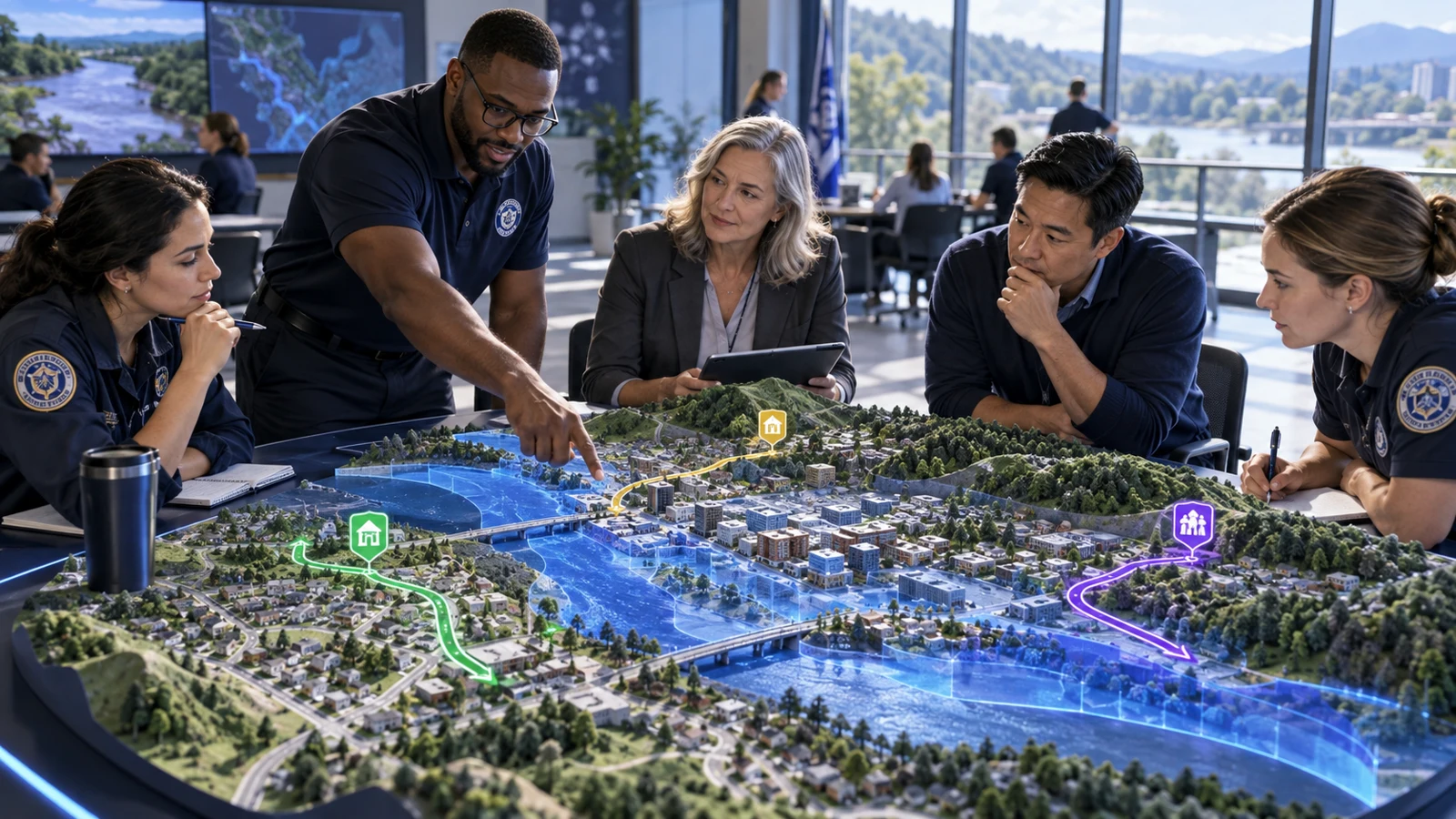 Explore Situation Room ↗
KNOWLEDGE · JUDGEMENT · PUBLIC PURPOSE
Imagine a public-service academy where people learn from experienced colleagues, practise difficult conversations and discuss evidence before a high-pressure decision.
THE EON PRODUCT FOUNDATION
Ten module groups connect the creation of a digital context with practice, evidence and reviewed improvement. Explore the same EON product family through an education and government lens.
Create the context for understanding and practice.

Make real places and objects part of the lesson.

Turn knowledge into immersive learning and practice.
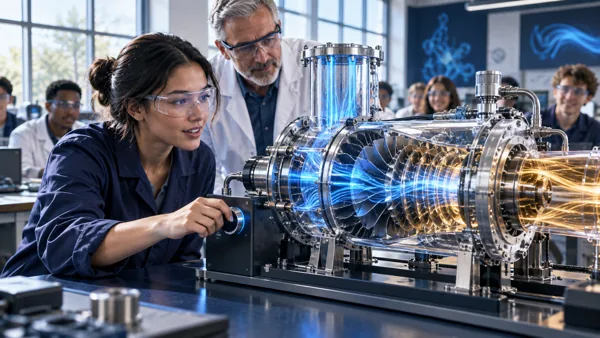
Understand the response. Practise as a team.
Practise decisions in a space your institution creates.
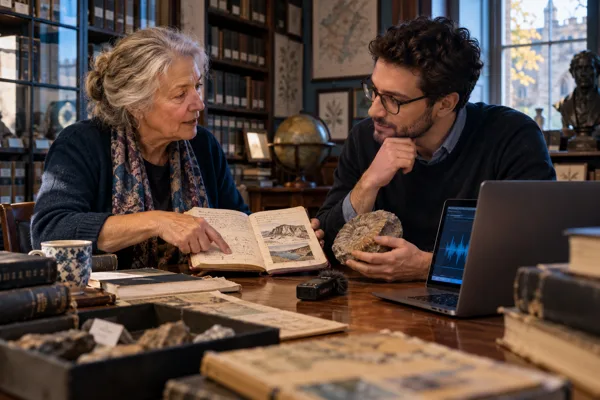
Keep the knowledge. Practise the conversation.
Apply knowledge, inspect evidence and improve.
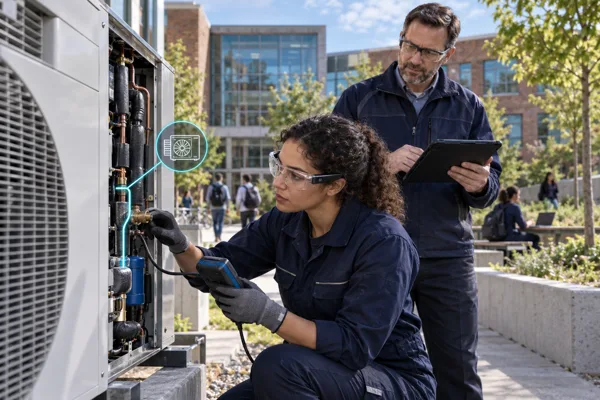
Bring guidance into practical work.

Make performance visible against a clear standard.
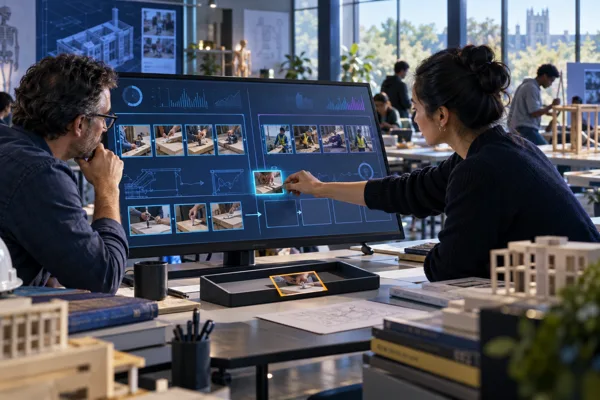
Use reviewed lessons to improve the next practice.
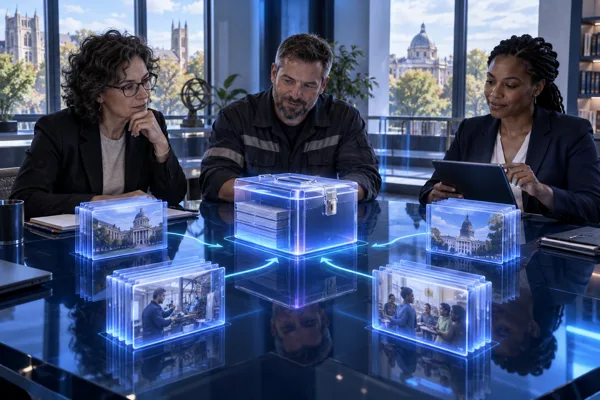
Prepare reviewed knowledge for careful reuse.
EXPLORE THE FAMILY
Explore the EON product family, with education-focused examples and direct routes to each application.
23 pages
Product one · Five module groups
Create the context for understanding and practice. Each family below connects related EON experiences.
Five connected building modules turn equipment, references and places into context learners can explore.
Five connected twin-building modules

A library of objects that explain themselves.
Explore module ↗
From reference images to an editable model.
Explore module ↗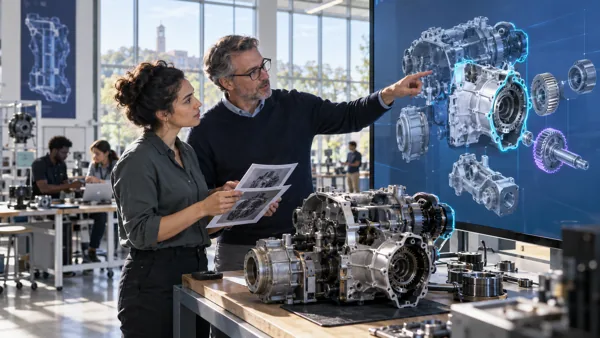
Review every part before learners rely on it.
Explore module ↗
Open the object. Understand the system.
Explore module ↗
Start with a place. Discover through a mission.
Explore module ↗
Create reviewed simulations from source material, then bring subjects and settings into the learning experience.
Turn knowledge into something you can practise.
Use reviewed curriculum, source material or procedures to give learners a place to practise, review their decisions and build confidence before a real task.
Explore EON Genesis 3 ↗Name a subject. Make room for discovery.
Help learners encounter a subject spatially, explore its parts and hear an explanation they can revisit.
Explore EON XR Infinite ↗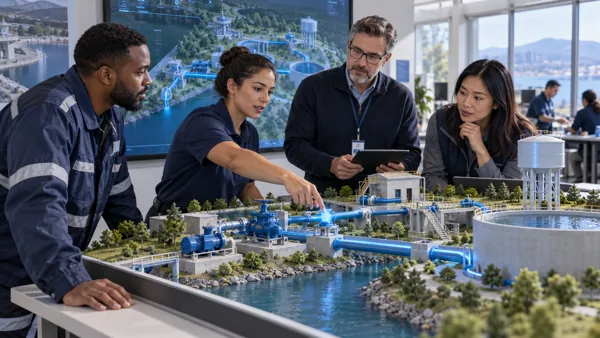
Explore equipment behaviour and connect operator, field, command and instructor perspectives in one shared learning context.
Learn how a system responds.
Make changing physical conditions visible. Explore the relationship between an action, the state of the equipment and the next safe decision.
Explore EON Live ↗Understand the system. Practise as a team.
Connect operator, field, command and instructor perspectives in one virtual operation. Turn process behaviour and team decisions into a shared learning experience.
Explore EON Control Room ↗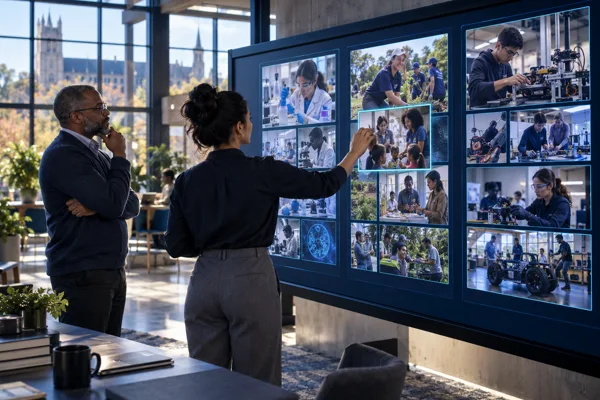
Explore incident scenarios and build an institutional home for courses, scenarios and work experiences.
Practise judgement before the difficult moment.
Let a team examine an incident, weigh evidence and discuss decisions under pressure.
Explore EON Situation Room ↗Your institution’s place to train and perform.
Bring reviewed courses, scenarios and learning experiences together in a space shaped around your organisation.
Explore Situation Room Creator ↗Watch demos & walkthroughs
▶ Situation Room & Custom Creation13:03 ↗▶ Situation Room Creator · Create training4:45 ↗
Preserve expert experience and rehearse conversations that require judgement, listening and clear communication.
Keep the experience that never made it into the handbook.
Interview the people who know, preserve their exact words and ask a second person to verify the claims.
Explore EON Tacit ↗Practise the conversations that change outcomes.
Rehearse with AI stakeholders who respond to what you say. Review how you listened, explained and handled competing concerns.
Explore EON Brainy ↗Watch demos & walkthroughs
▶ Tacit Walkthrough7:19 ↗▶ Tacit Expert Conversation5:24 ↗▶ Brainy Soft Skills7:22 ↗The platform between the two products
Keep evidence, people, learning and results connected to the decisions they support.

Product two · Five module groups
Apply knowledge, inspect evidence and use reviewed learning to improve the next experience.
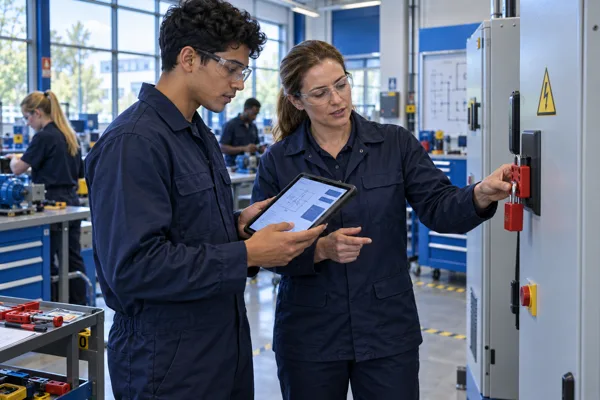
Connect a training task with the preparation, controls and evidence that authorised people need.
Watch demos & walkthroughs
▶ Permit IQ Demo5:50 ↗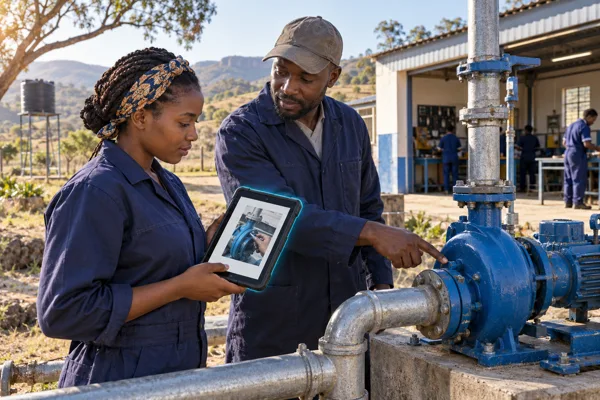
Explore the guided worker journey and the prepared Edge experience for training beyond a reliable cloud connection.
Bring guidance into practical work.
Connect preparation, training, field use and monitoring so people can see how a guided task is carried out and reviewed.
Explore Field IQ ↗Explore guidance beyond the cloud.
See a prepared example of step-by-step assistance when a cloud connection is unavailable.
Explore Field IQ Edge ↗Connect the briefing, recorded task and result with evidence an assessor can review.
Watch demos & walkthroughs
▶ Assess IQ · Create an assessment1:00 ↗Review differences between the intended task and what happened before changing the guidance.
Watch demos & walkthroughs
▶ Compound IQ walkthrough7:27 ↗Follow a governed process for turning a reviewed lesson into a reusable knowledge package.
Watch demos & walkthroughs
▶ Distillery walkthrough6:15 ↗No matching products. Try a different name or select all pages.