Browse visually
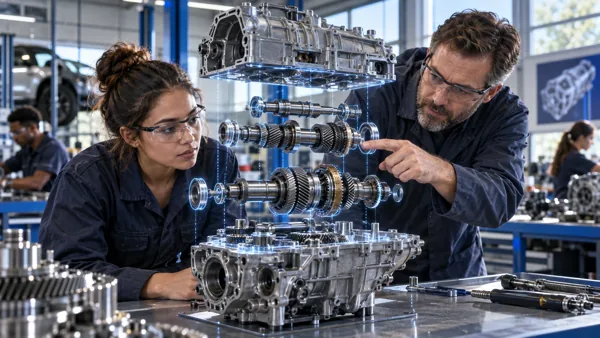
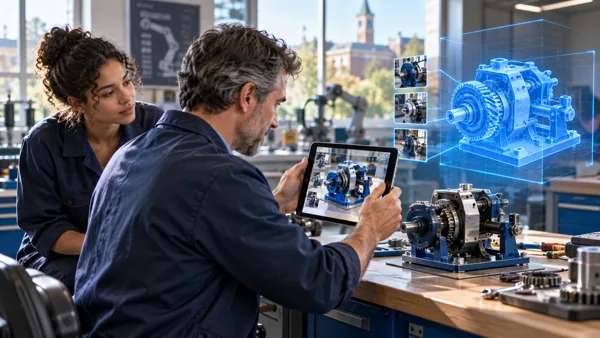
Find a relevant model in the existing Oil & Gas, Mining, Medical or Aerospace MRO library.
DIGITAL TWIN · EDUCATION & GOVERNMENT
Explore equipment in 3D. Select a part to understand what it is, what it does and how it connects to the whole.
Education & government
UNDERSTAND THE PRODUCT
The component library includes Oil & Gas, Mining, Medical and Aerospace MRO categories, with tap-a-part information.
Find a relevant model in the existing Oil & Gas, Mining, Medical or Aerospace MRO library.
Open the component and explore its anatomy and function through the embedded part information.
Use a suitable object to explain a real mechanism before a supervised practical activity.
CONTINUE THE DISCOVERY
Move between the companion EON experiences. The component catalogue itself opens in the existing library.
IMAGINE THE APPLICATION
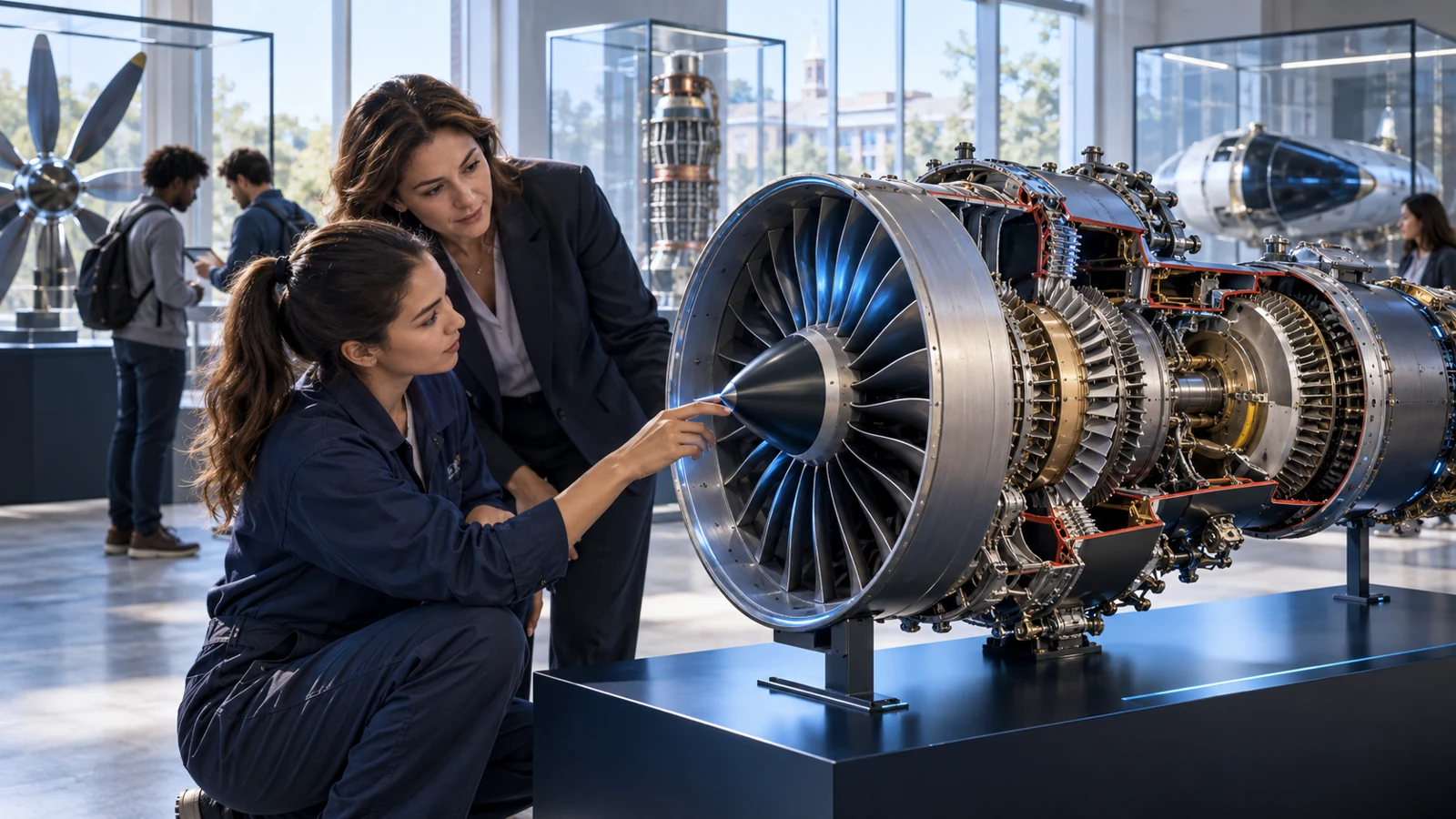
An aviation instructor uses a suitable library component to explain a mechanism before hands-on practice.
Explore equipment in 3D. Select a part to understand what it is, what it does and how it connects to the whole.
Illustrative education or public-service use caseOPEN THE PRODUCT
Choose where to begin.
CONTINUE EXPLORING