Find your building blocks
Browse intelligent equipment and choose the components relevant to the lesson or training environment.
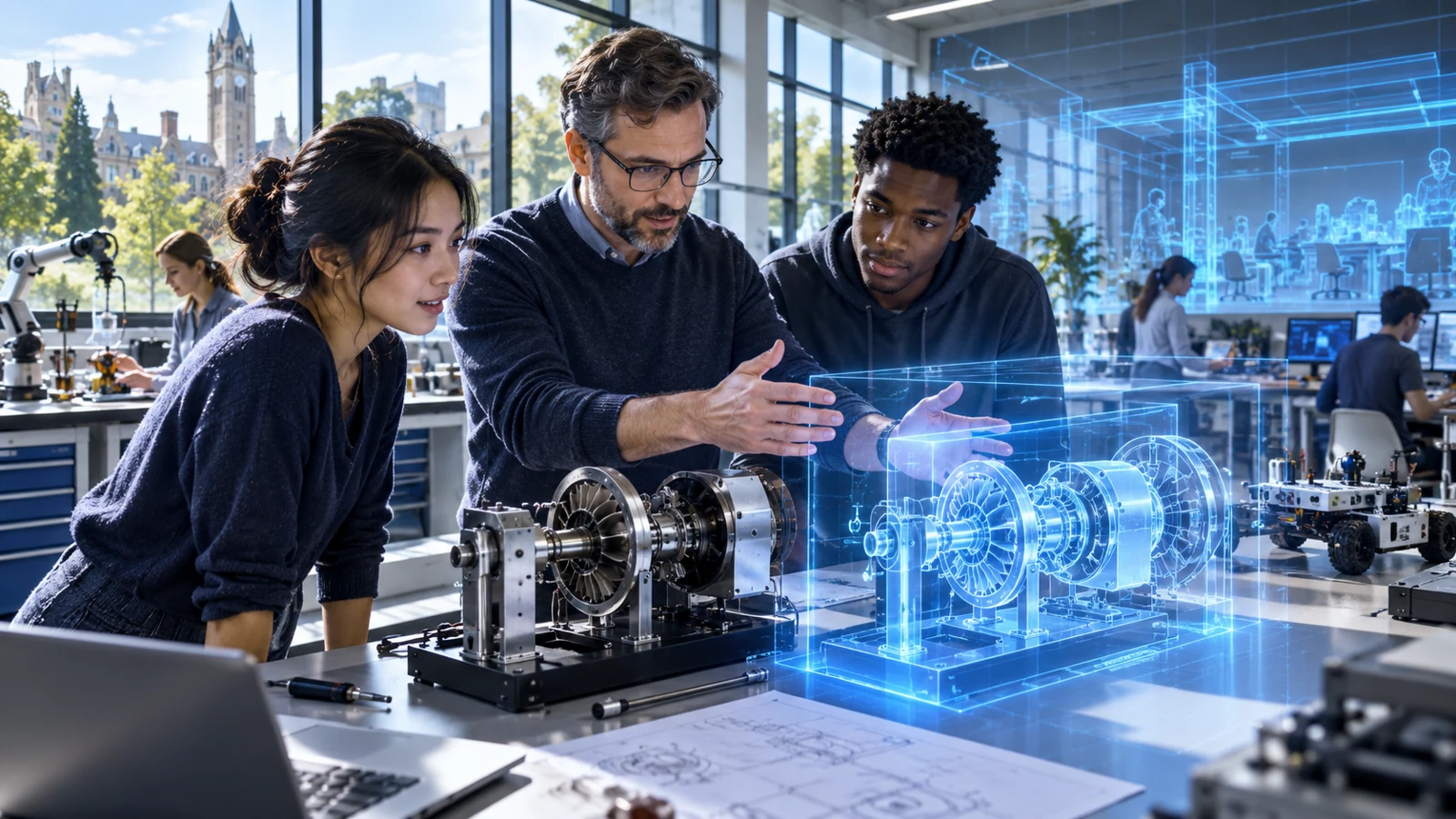
DIGITAL TWIN · EDUCATION & GOVERNMENT
Bring intelligent 3D components, captured references, internal models and explorable places into a connected starting point for learning.
Education & government
Choose a video to watch.
UNDERSTAND THE PRODUCT
Universal groups 3D Components, Mirror Direct, Mirror Studio, Model Inside and Worlds.
Browse intelligent equipment and choose the components relevant to the lesson or training environment.
Use the appropriate Mirror workflow for physical references, or reveal the internal structure with Model Inside.
Use Worlds to connect a setting, a lesson and a mission learners can investigate.
FIVE CONNECTED BUILDING MODULES
Choose the right starting point: a component, a physical reference, a reviewed twin, an internal assembly or a place.
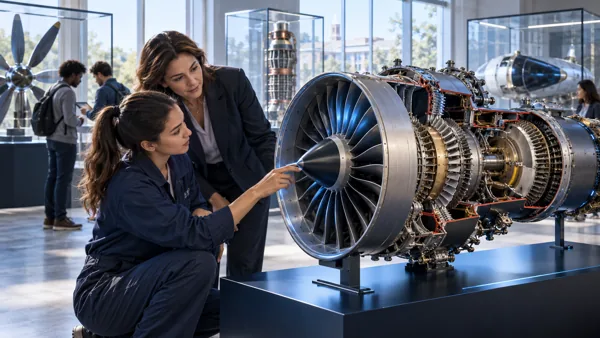
A library of objects that explain themselves.
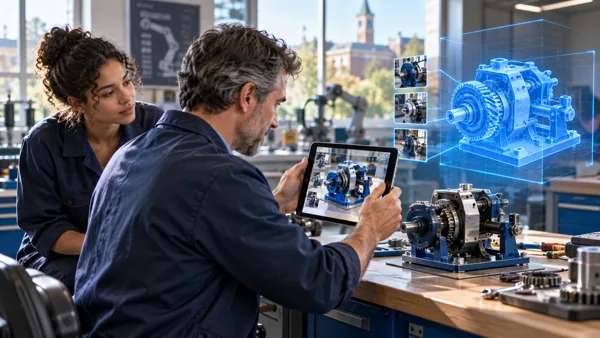
From reference images to an editable model.
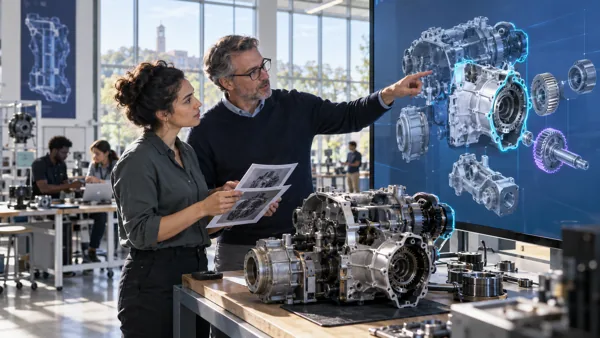
Review every part before learners rely on it.
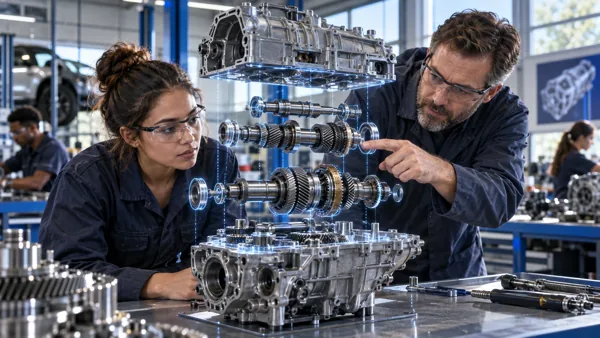
Open the object. Understand the system.
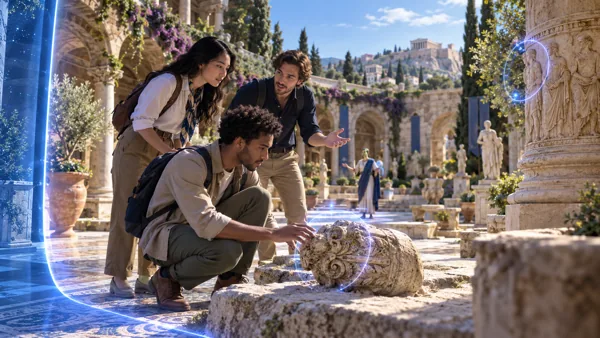
Start with a place. Discover through a mission.
IMAGINE THE APPLICATION
A technical college prepares an explorable training laboratory using the appropriate building modules.
Bring intelligent 3D components, captured references, internal models and explorable places into a connected starting point for learning.
Illustrative education or public-service use caseOPEN THE PRODUCT
Choose where to begin.
CONTINUE EXPLORING
A library of objects that explain themselves.
From reference images to an editable model.
Review every part before learners rely on it.
Open the object. Understand the system.
Start with a place. Discover through a mission.