Operator
Runs the process through screens, alarms and controls.
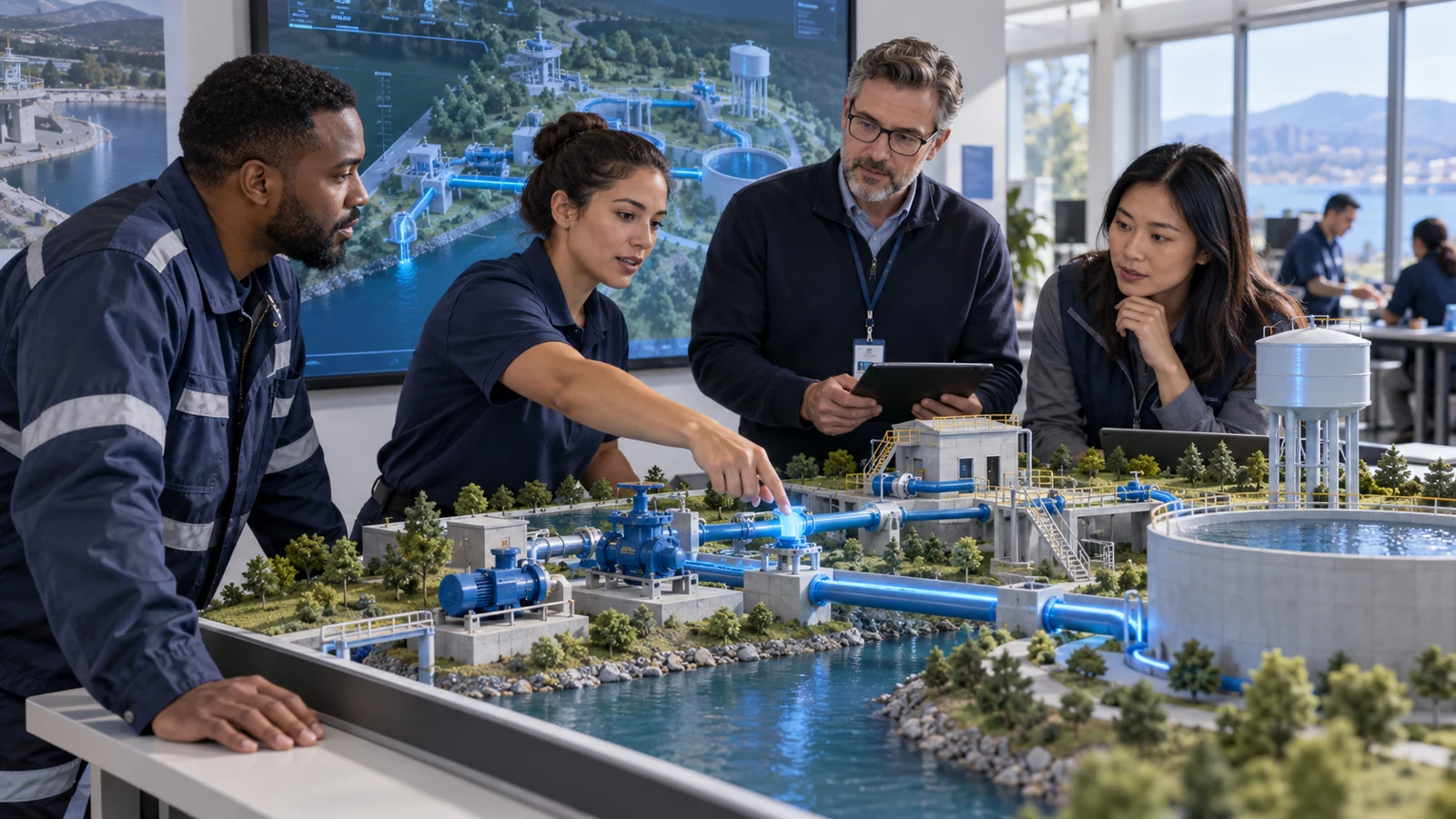
DIGITAL TWIN · EDUCATION & GOVERNMENT
Connect operator, field, command and instructor perspectives in one virtual operation. Turn process behaviour and team decisions into a shared learning experience.
Choose 08 Create exercise in Control Room to begin.
Education & government
EON Live + EON Control Room
A shared simulation environment for engineering education, vocational practice and public-service readiness. Learners take different responsibilities in the same operation, with instructors guiding the exercise and reviewing what happened.
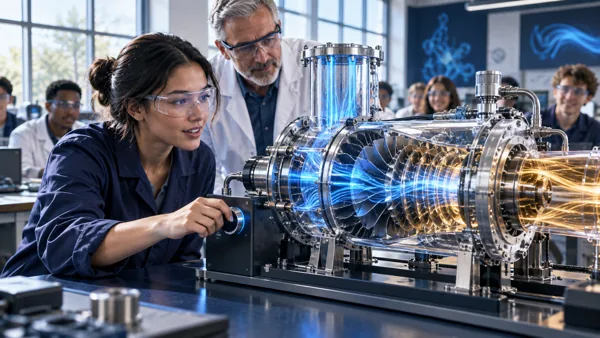
Runs the process through screens, alarms and controls.
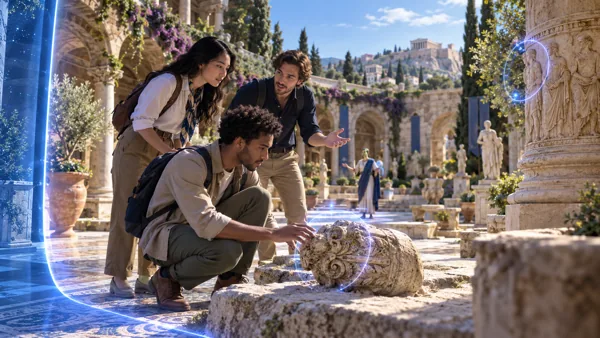
Checks and operates equipment in the shared scene.
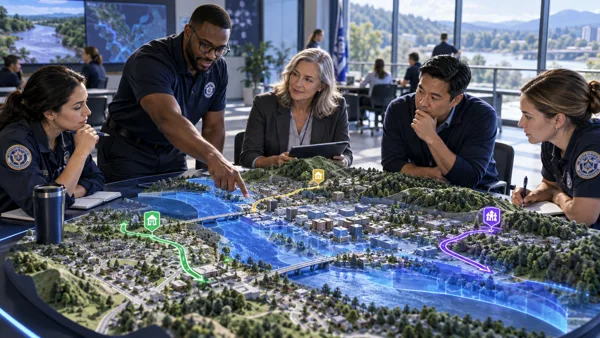
Coordinates people, information and resources as the incident develops.
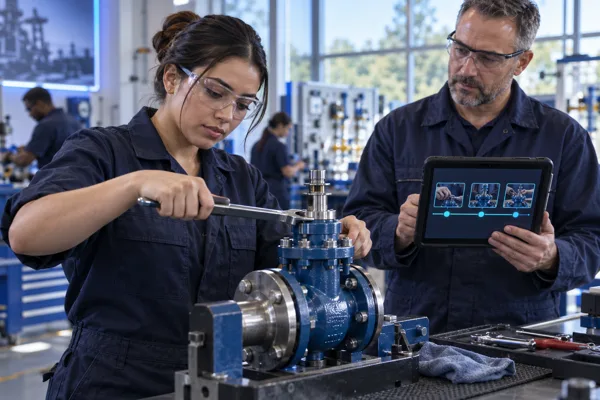
Sets the exercise, follows every role and explains the result through replay.
The workspace design keeps the same equipment identity and physical state as people change views and responsibilities.
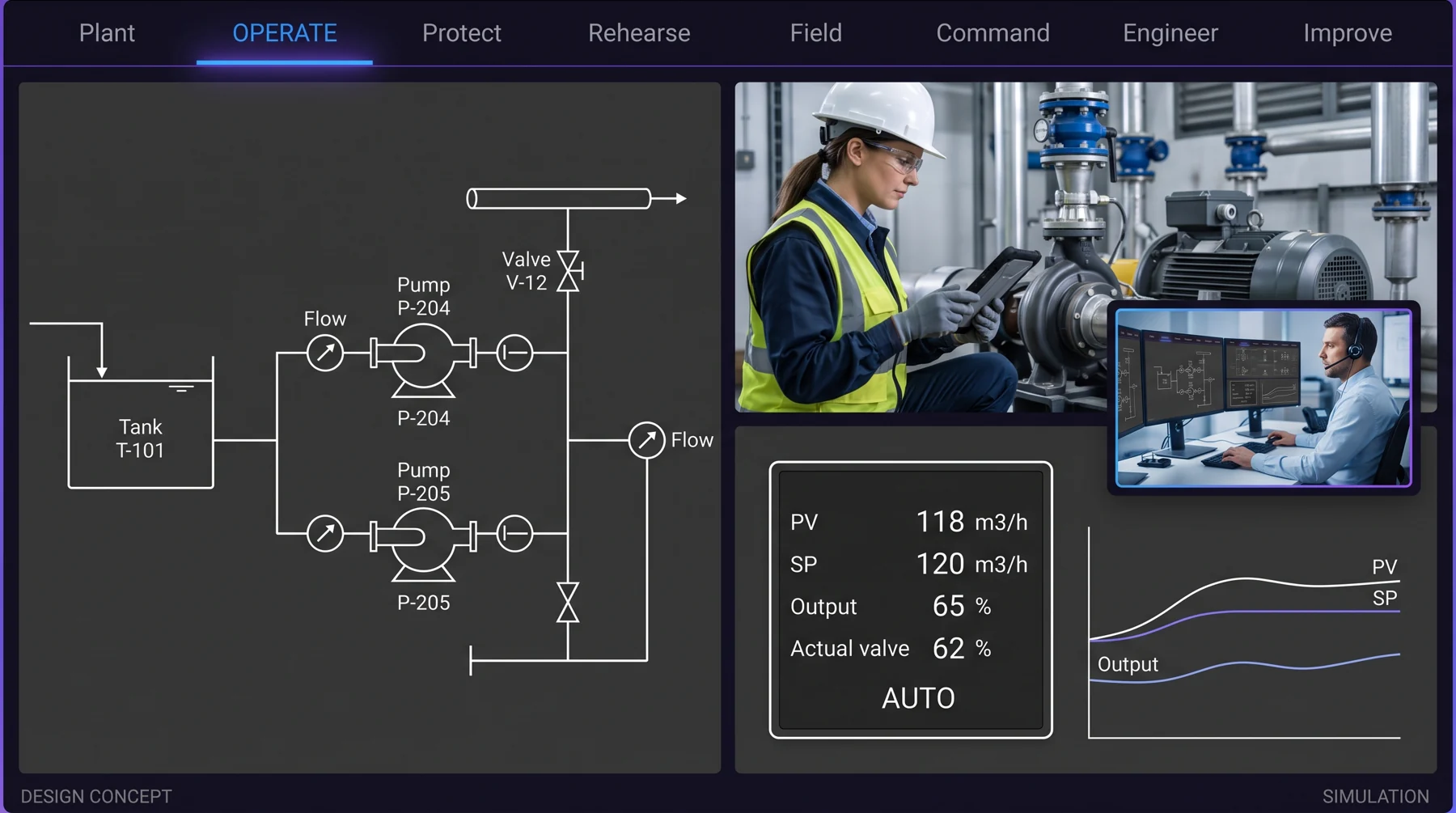
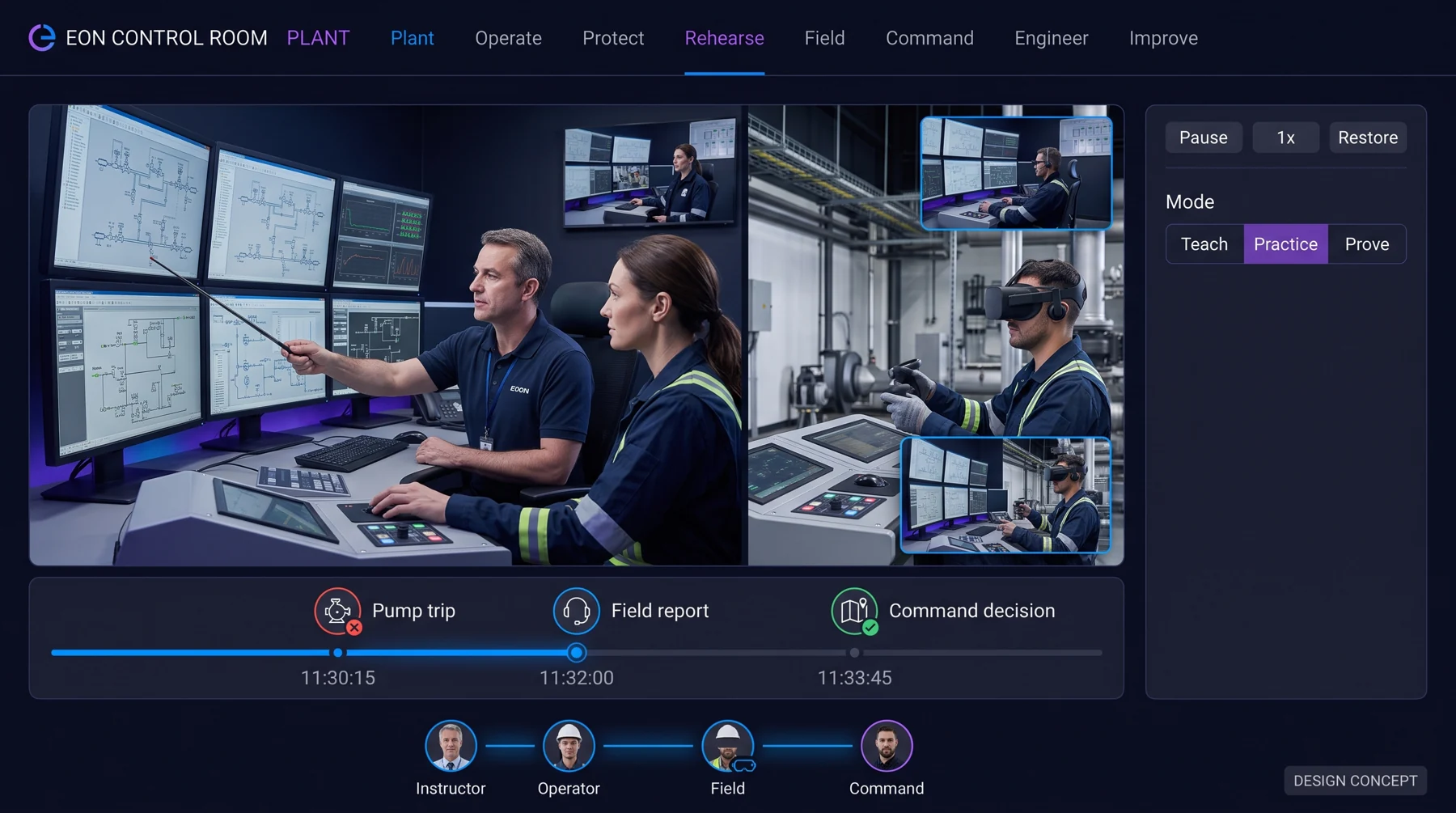
Explore the site in 3D, move between equipment, schematics and trends, and inspect the model’s limits.
Bring operator screens, faceplates, controller modes and requested versus actual state into one view.
Make permissives, interlocks, trips, resets and instrument quality visible to the people who need them.
Prepare faults and scenarios, choose Teach, Practice or Prove, and coordinate the exercise as an instructor.
Confirm the asset and procedure, act in context, and capture observations and handovers.
See the incident, assign owners and resources, and track acknowledgments and decisions.
Reuse equipment, bind assets, configure models and controls, and run studies and acceptance cases.
Replay events across roles, review performance and approve changes before releasing the next version.
Credible process behaviour, familiar controls and engineering tools, qualified for their intended use.
Start with approved sources and reusable equipment; specialists review the draft before release.
Connect operator, field and command decisions through one exercise and a shared replay.
Carry approved procedures and reviewed evidence between practice and the real job.
Measure the effort to build, update and maintain the complete accepted system.
Learning together
An engineering or utility-training cohort investigates a pressure alarm. An operator reads the process view, a field learner checks the equipment and a command learner coordinates the response. The instructor uses the shared-replay design to discuss each decision and handover.
The EON connection
For a technical college, university engineering programme or government training centre, the learning value is a shared explanation of process, responsibility and evidence. This is an illustrative audience application of the same product direction.
Product direction and engineering plan · 29 September 2026
Explore the product experience and the eight-workspace design. The full workspace design forms the product roadmap.
EON Control Room is the simulator product. EON Control is the platform workspace; Situation Room supplies incident rehearsal.
UNDERSTAND THE PRODUCT
The pump-station demo introduces a shared mission. The product roadmap extends this into eight workspaces: Plant, Operate, Protect, Rehearse, Field, Command, Engineer and Improve.
Approach the pump-station mission from a defined team responsibility.
Explore the plant and process, then examine the change in pressure and its context.
Use a shared operational picture to discuss the next safe step as a team.
IMAGINE THE APPLICATION
An engineering or utility-training cohort uses different roles to investigate a pressure alarm, coordinate a response and review how information changed each decision.
Connect operator, field, command and instructor perspectives in one virtual operation. Turn process behaviour and team decisions into a shared learning experience.
Illustrative education or public-service use caseOPEN THE PRODUCT
Choose where to begin.
CONTINUE EXPLORING