See the system state
Explore the compressor example and inspect pressure, flow, temperature and vibration.
DIGITAL TWIN · EDUCATION & GOVERNMENT
Make changing physical conditions visible. Explore the relationship between an action, the state of the equipment and the next safe decision.
Education & government
EON Live makes equipment behaviour visible. EON Control Room’s complete-product design brings operator, field, command and instructor roles into the same virtual operation.
UNDERSTAND THE PRODUCT
The compressor experience shows pressure, flow, temperature, vibration, surge and emergency-isolation demonstrations.
Explore the compressor example and inspect pressure, flow, temperature and vibration.
Follow the surge, anti-surge recovery or emergency-isolation demonstrations.
Use changing behaviour and Energy Vision to discuss cause, effect and the next safe action.
IMAGINE THE APPLICATION
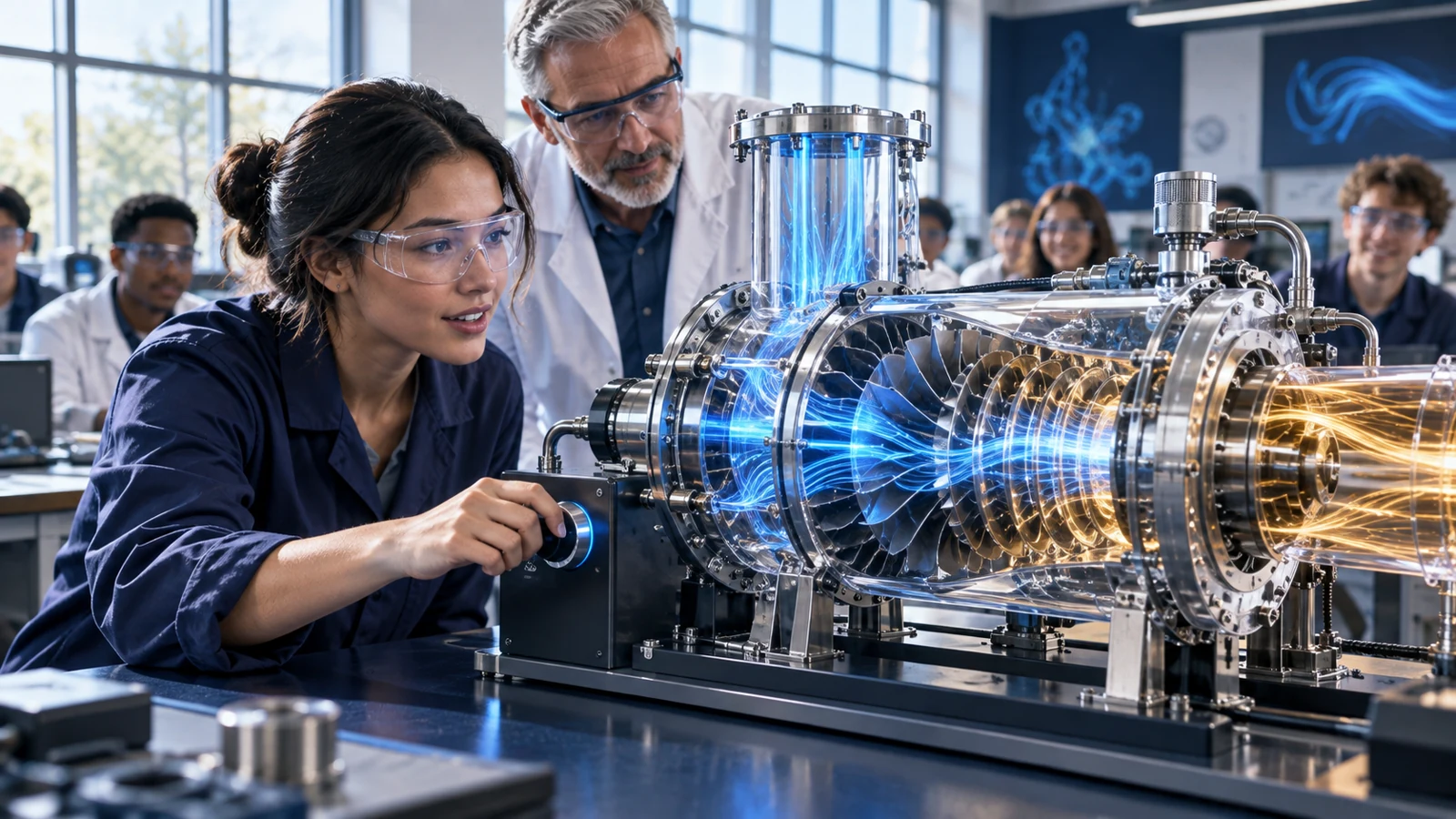
An engineering class discusses compressor behaviour using the responsive compressor example.
Make changing physical conditions visible. Explore the relationship between an action, the state of the equipment and the next safe decision.
Illustrative education or public-service use caseCONTINUE EXPLORING