Prepare the system
Explore the setup and training-session journey before considering a field task.
WORK LOOP · EDUCATION & GOVERNMENT
Connect preparation, training, field use and monitoring so people can see how a guided task is carried out and reviewed.
Education & government
Choose a video to watch.
YOUR KNOWLEDGE. OUT IN THE FIELD.
Take Field IQ with you. Point at a machine and start recognising what is in front of you.
On your iPhone, download Apple’s free TestFlight app from the App Store. TestFlight is how Apple lets you try apps before they launch.
Tap Join the Field IQ beta below. TestFlight opens: tap Accept, then Install. On a computer? Scan the QR code to open these instructions on your iPhone, then tap the button.
Allow the camera, point at a machine and tap Recognize.

UNDERSTAND THE PRODUCT
The Field IQ walkthrough presents four journeys from setup to field use and monitoring.
Explore the setup and training-session journey before considering a field task.
See how the walkthrough connects a worker to task guidance and captures what happened.
Use the monitoring journey to understand how results and evidence are brought back into view.
IMAGINE THE APPLICATION
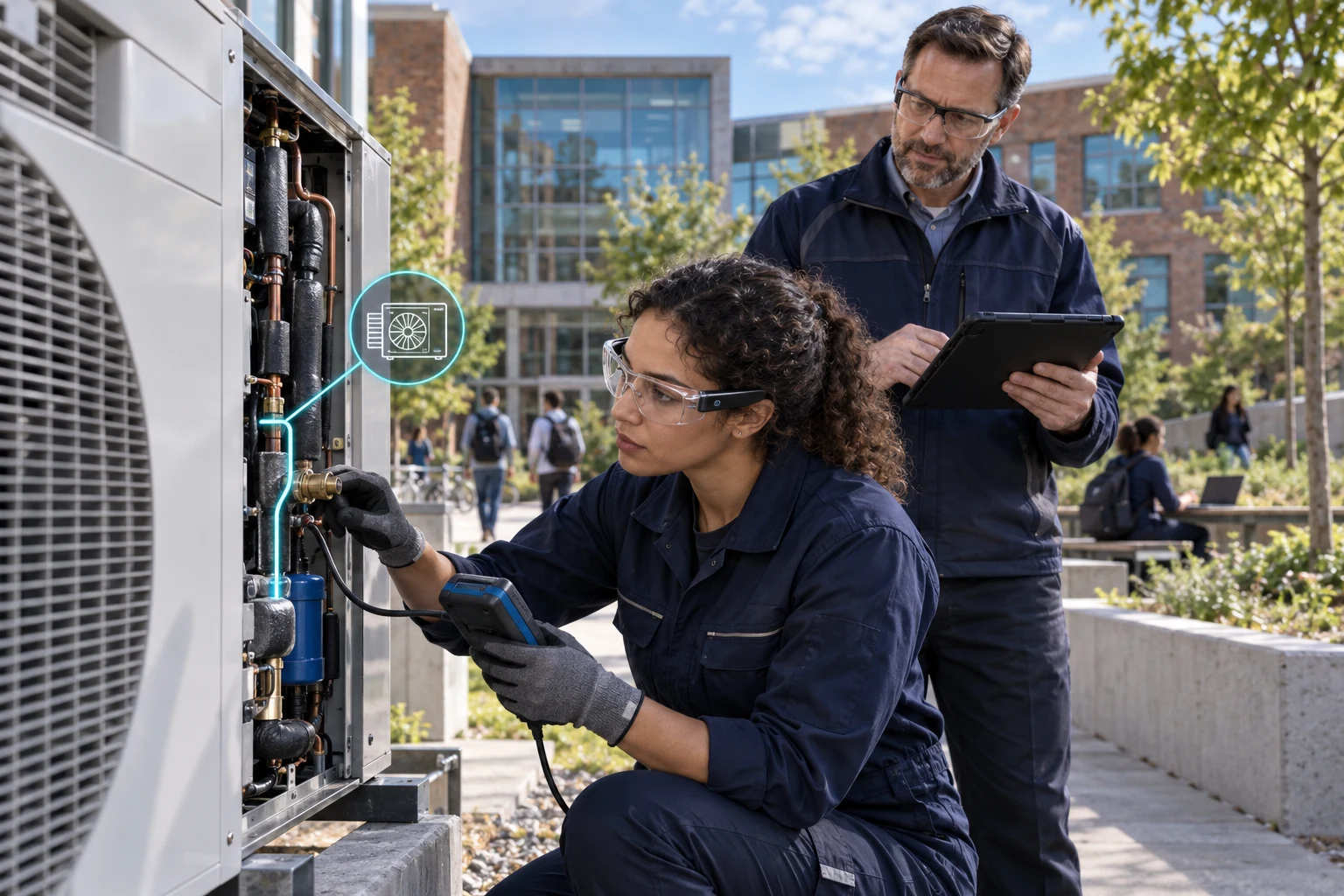
An apprenticeship programme considers a guided inspection task using its own approved procedures.
Connect preparation, training, field use and monitoring so people can see how a guided task is carried out and reviewed.
Illustrative education or public-service use caseOPEN THE PRODUCT
Choose where to begin.
CONTINUE EXPLORING